
Tidewater Chapter AFS Meeting
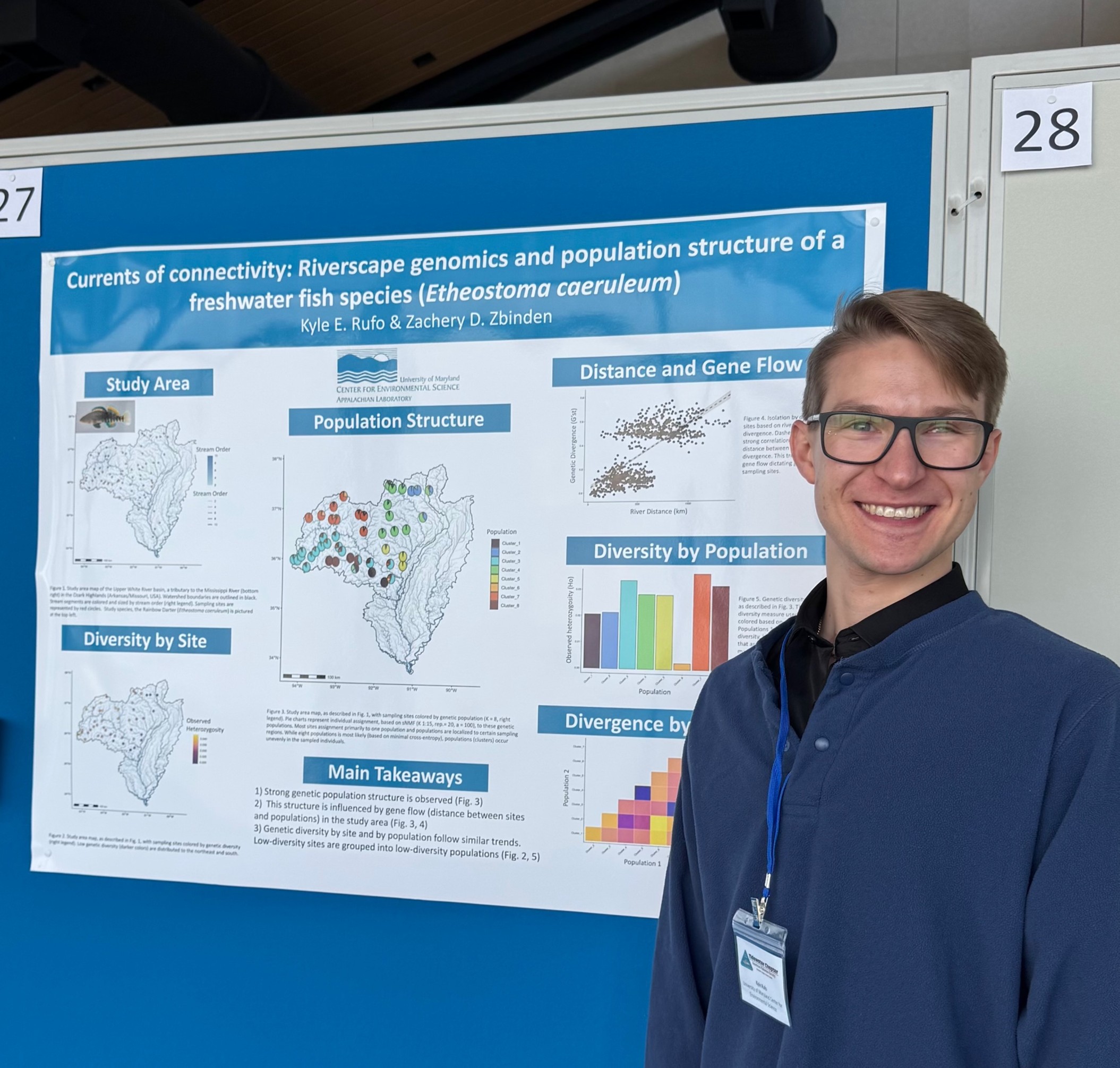
Zach Zbinden and Kyle Rufo recently attended the meeting of the Tidewater Chapter of the American Fisheries Society that was held at Chesapeake Biological Lab. Kyle presented some of his dissertation work and received a second place award for Best Poster Presentation. We’ll be hanging the poster in the third floor hallway soon, but if you’d like to take a look at his poster now here is a digital version. Congratulations, Kyle!
 New Postdoctoral Appointment


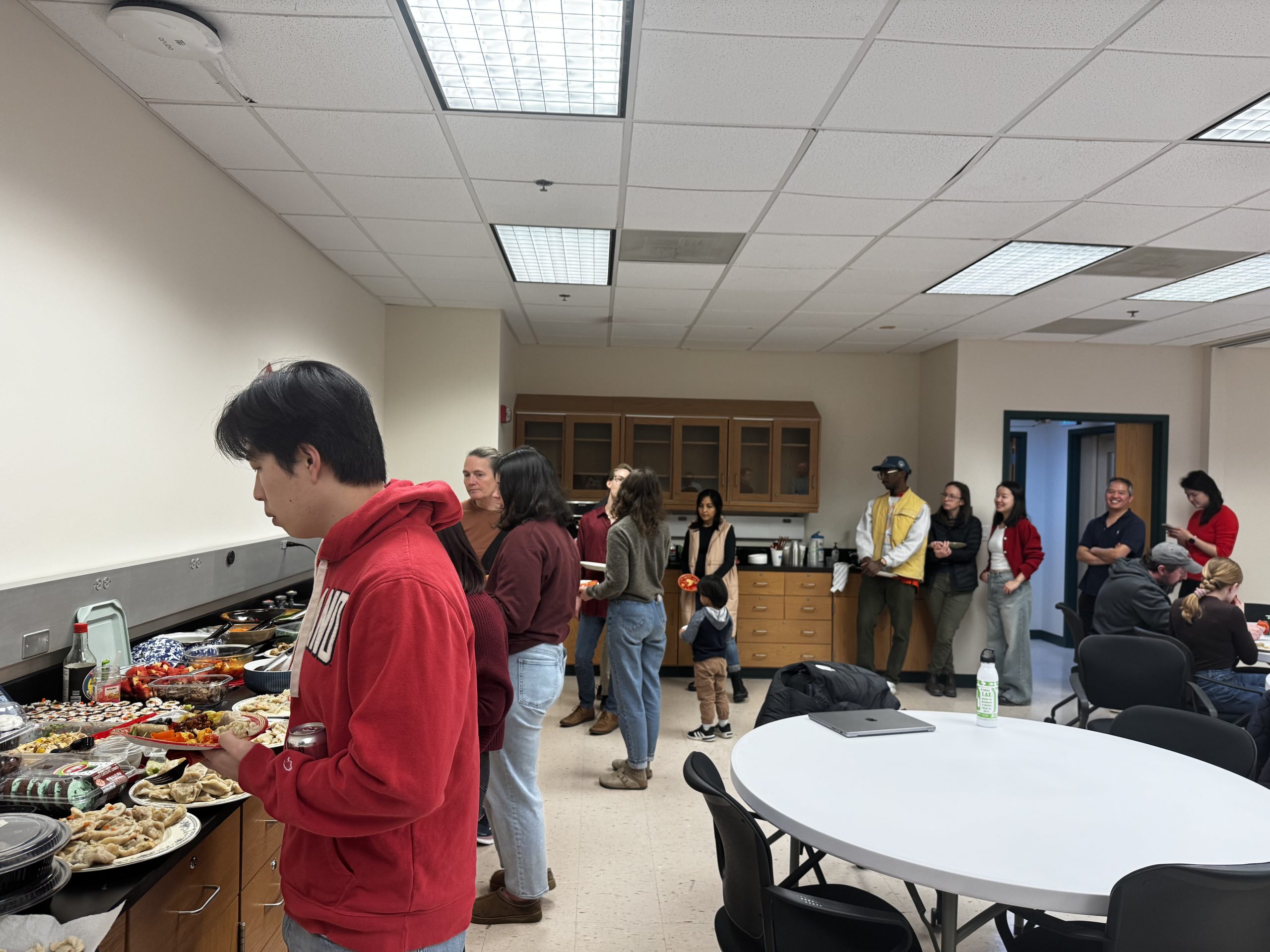
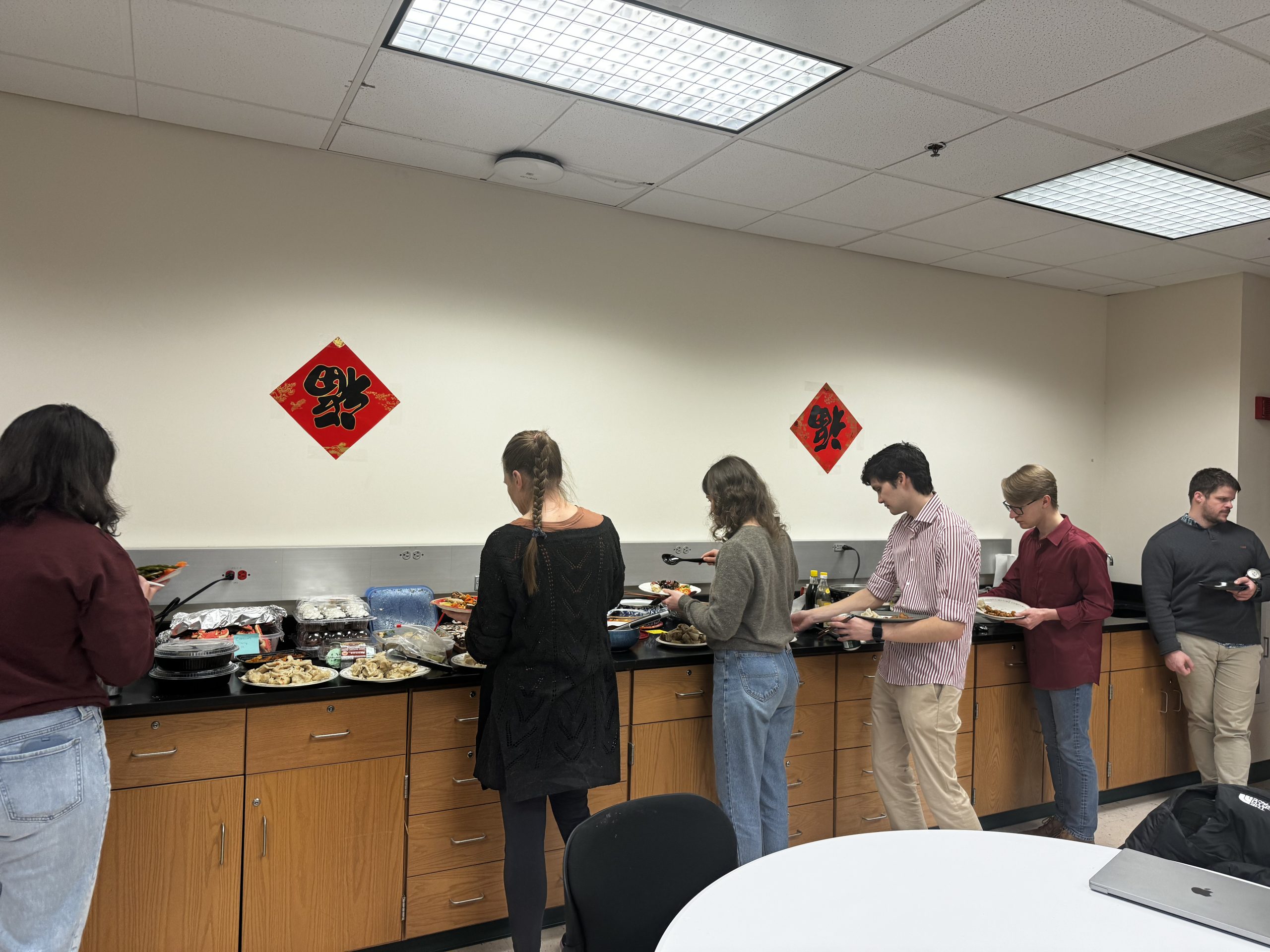
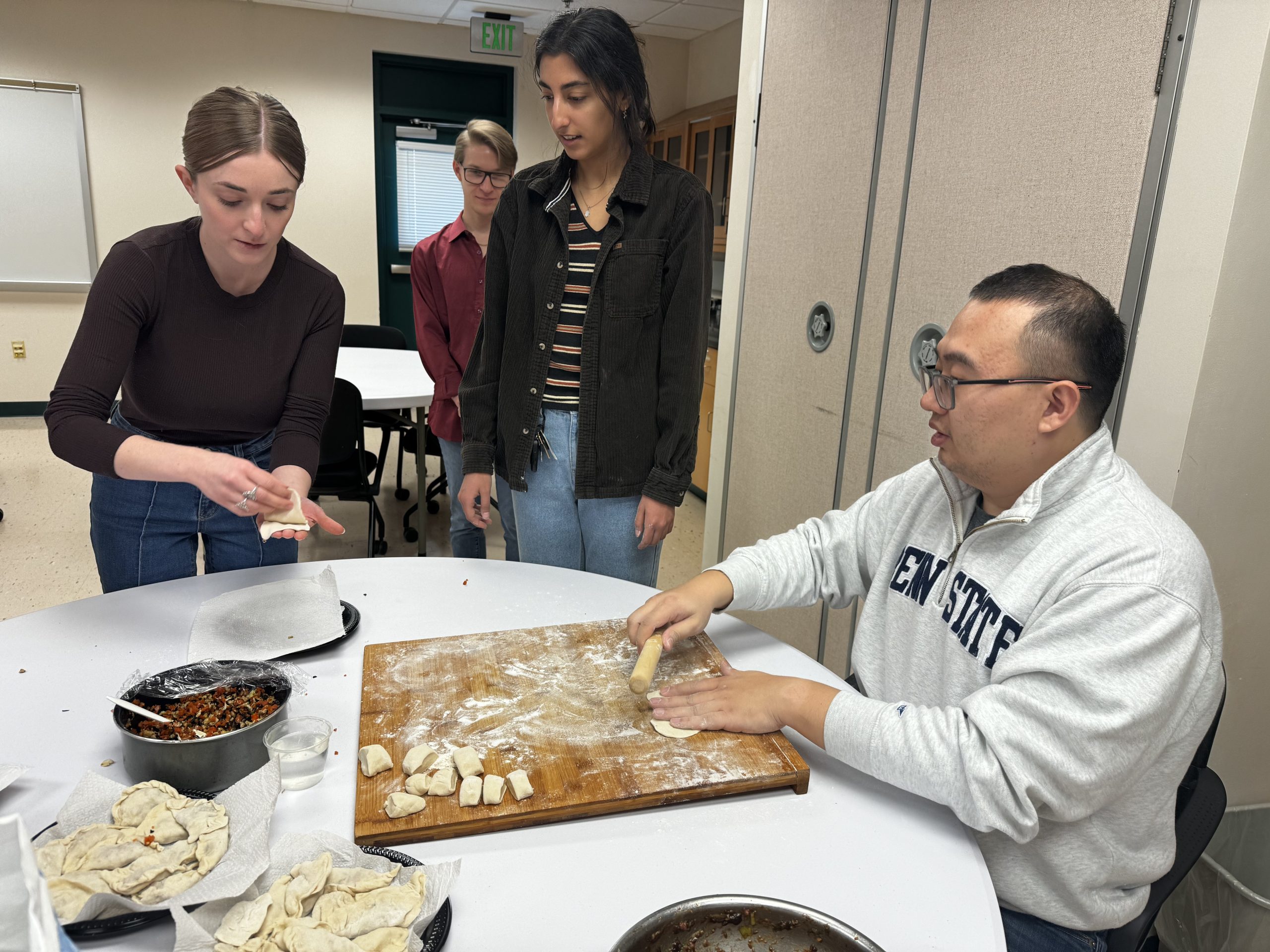
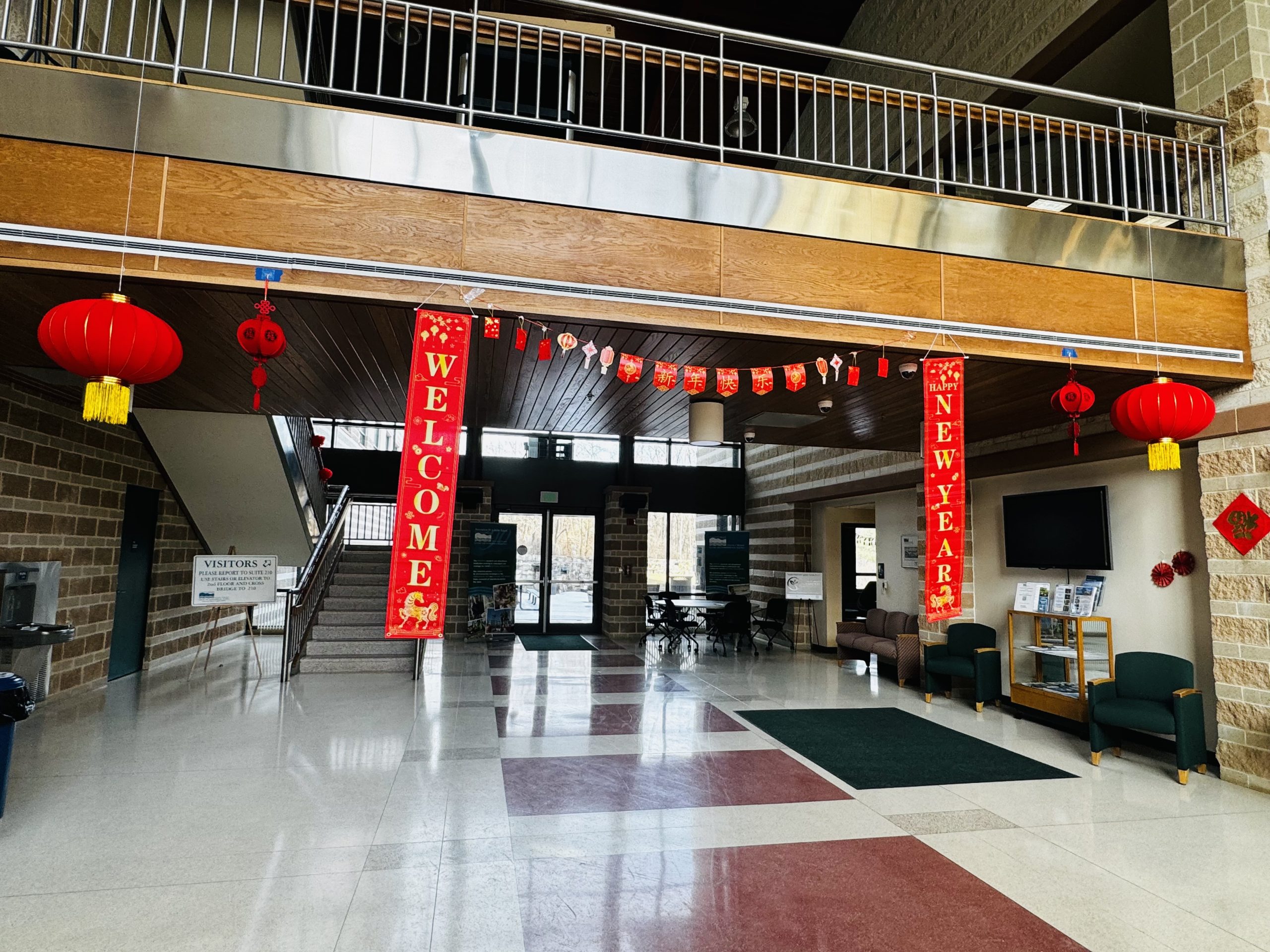


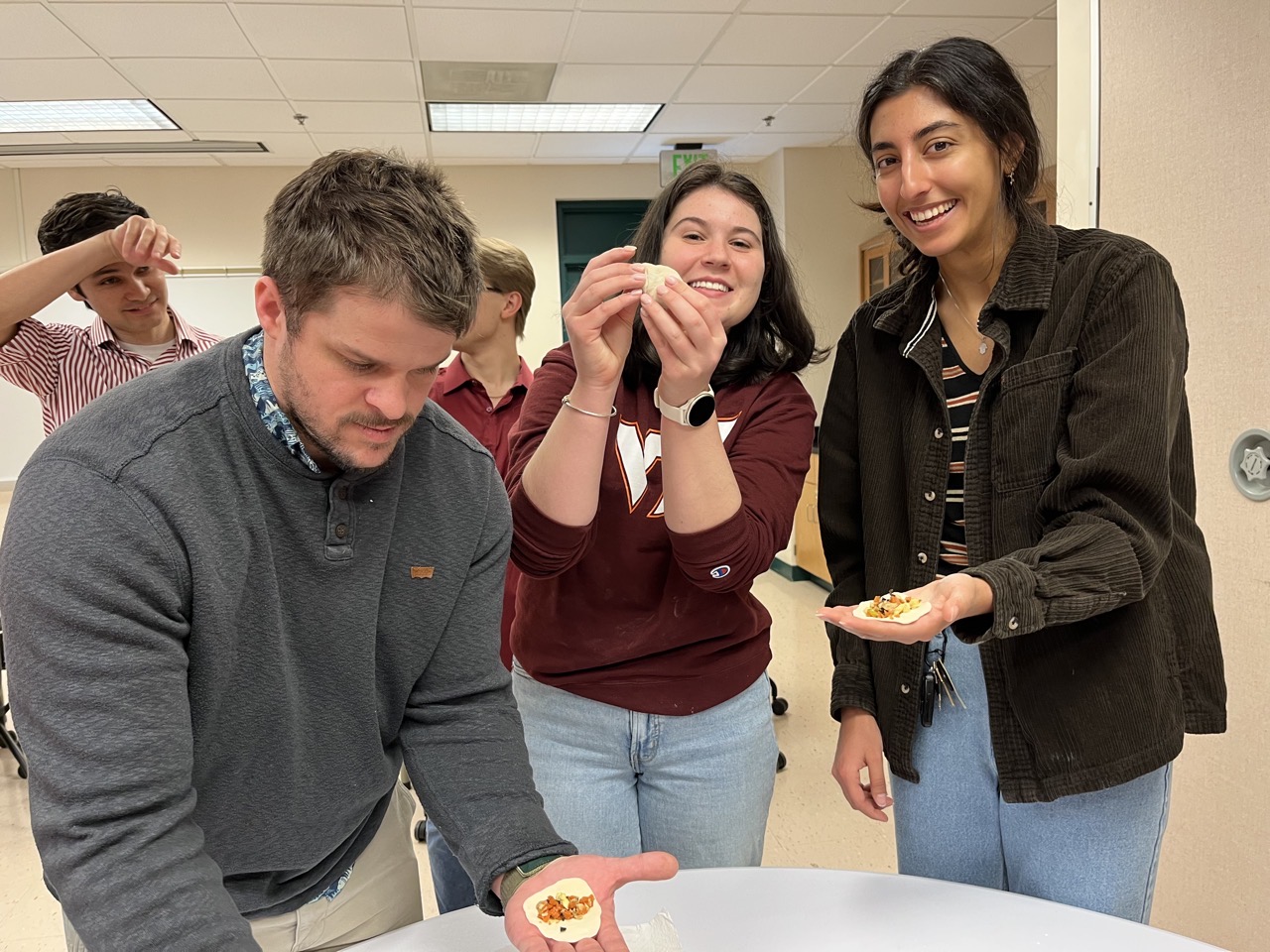
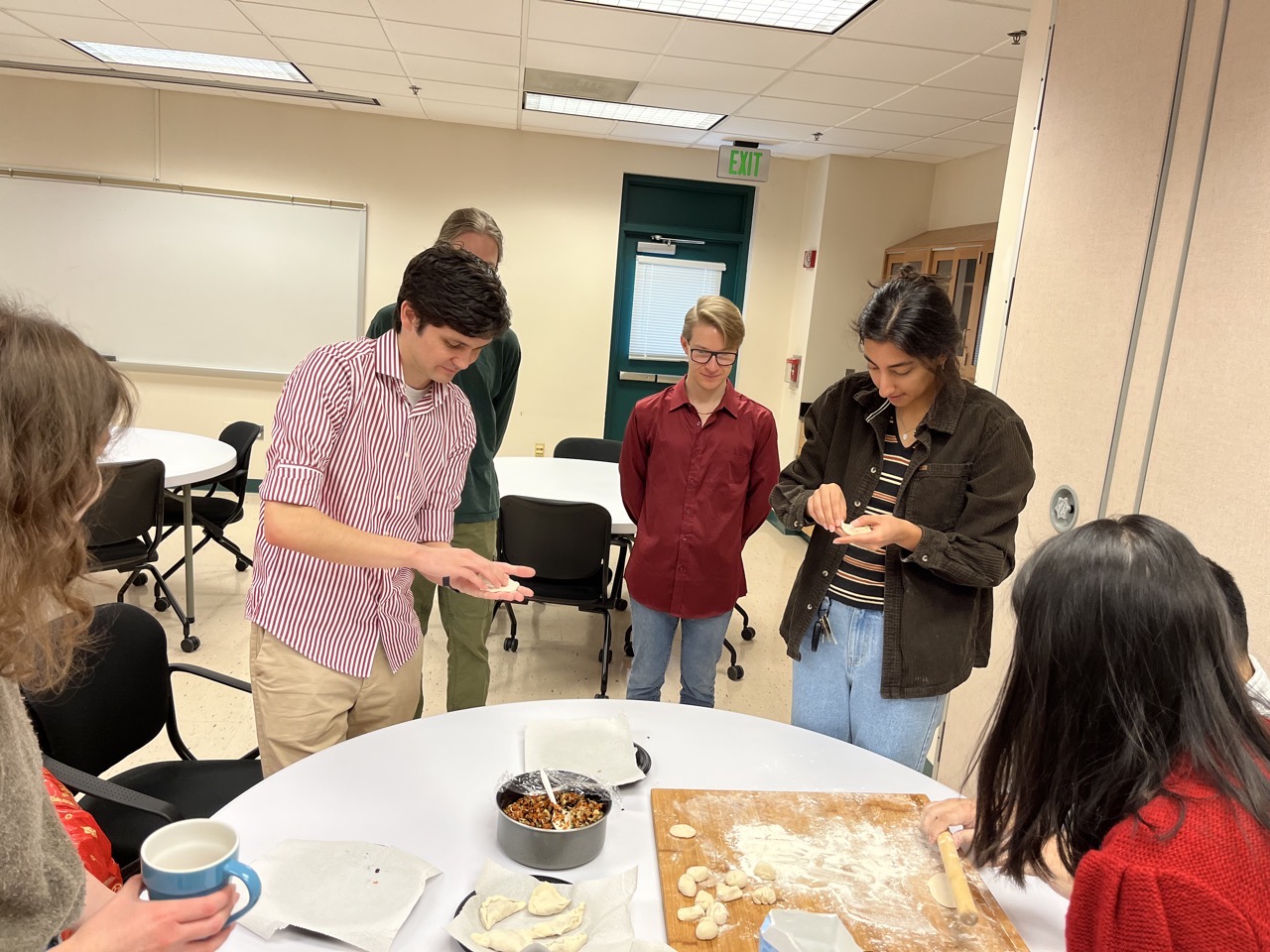
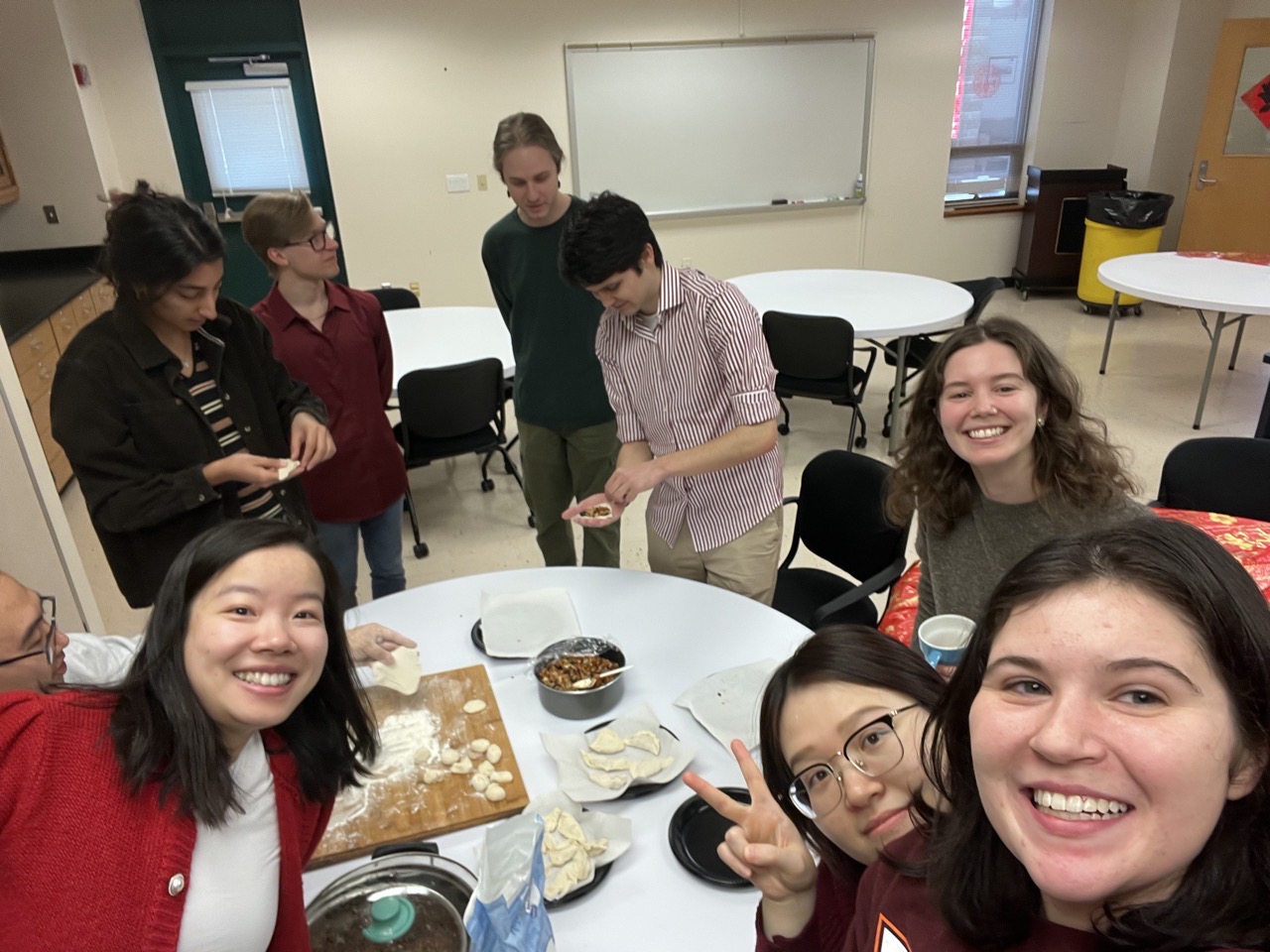
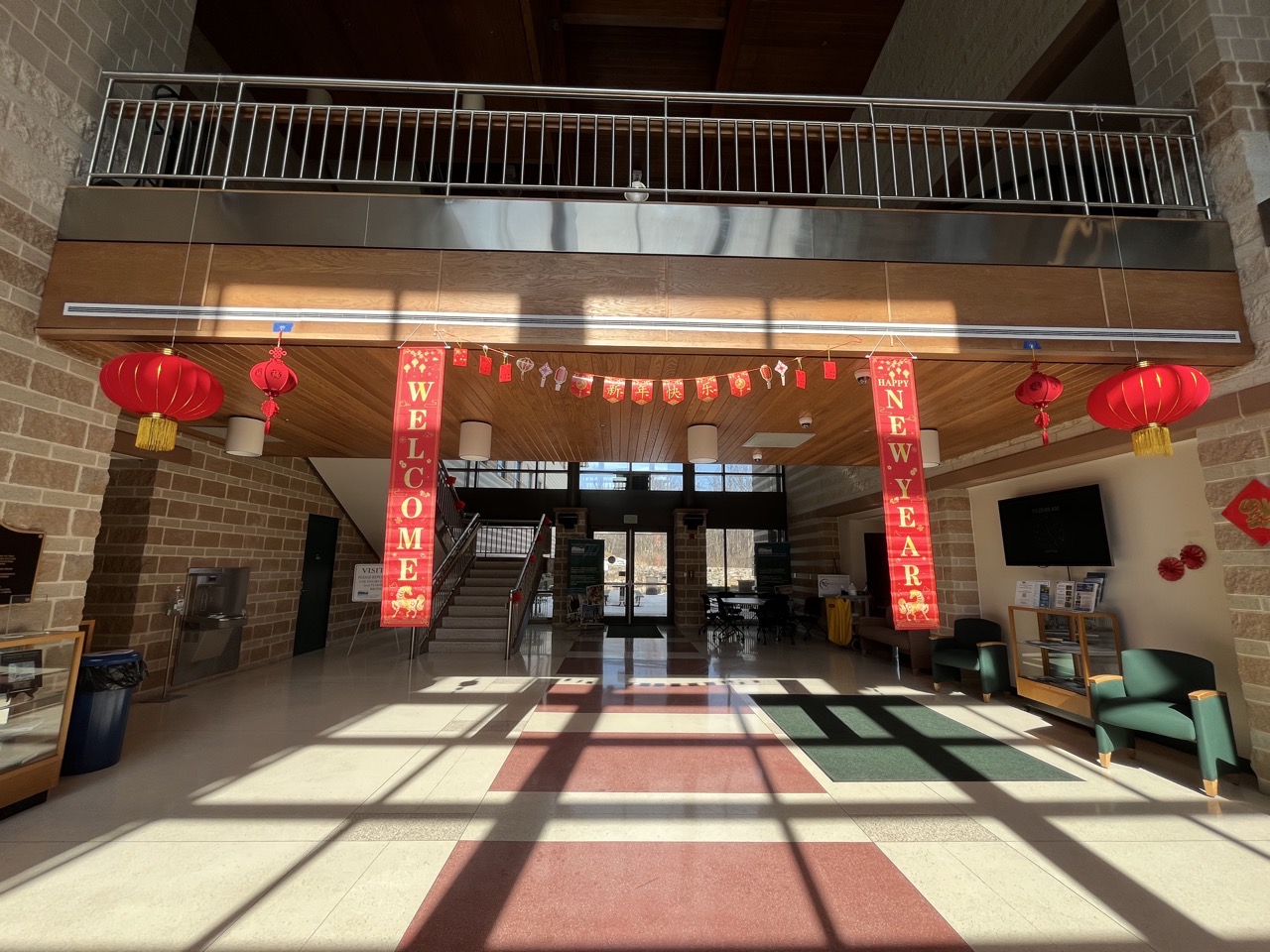
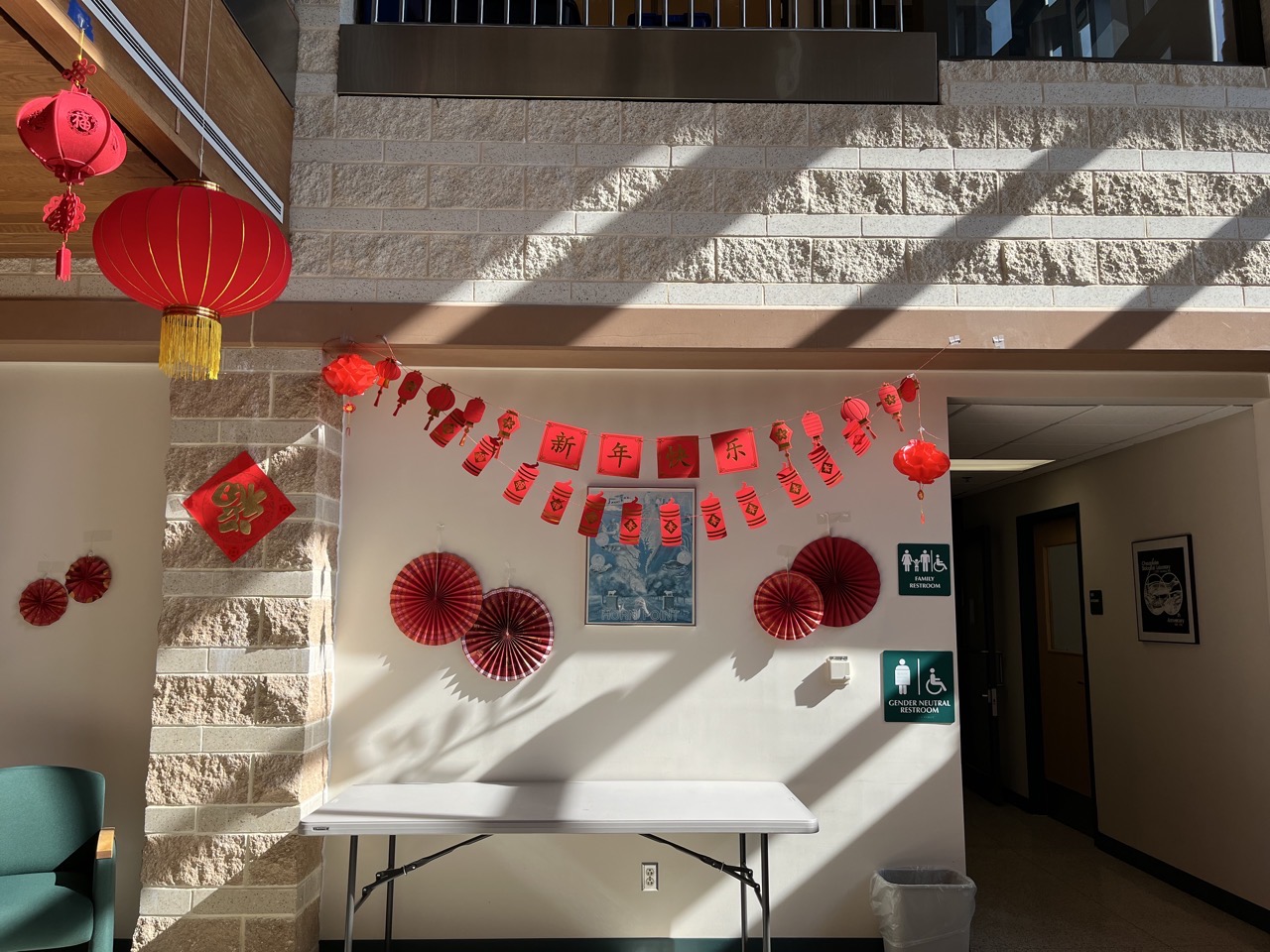
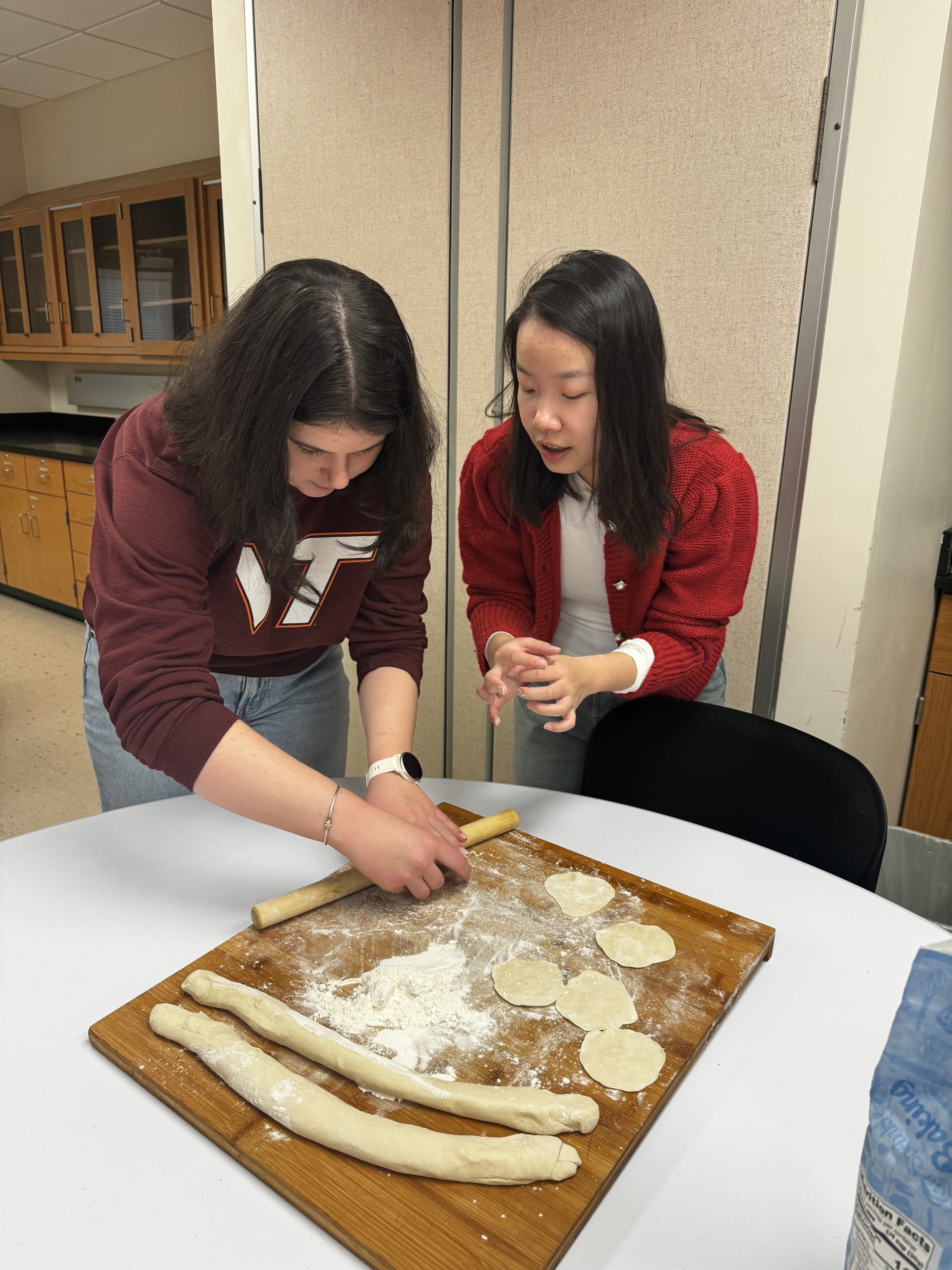

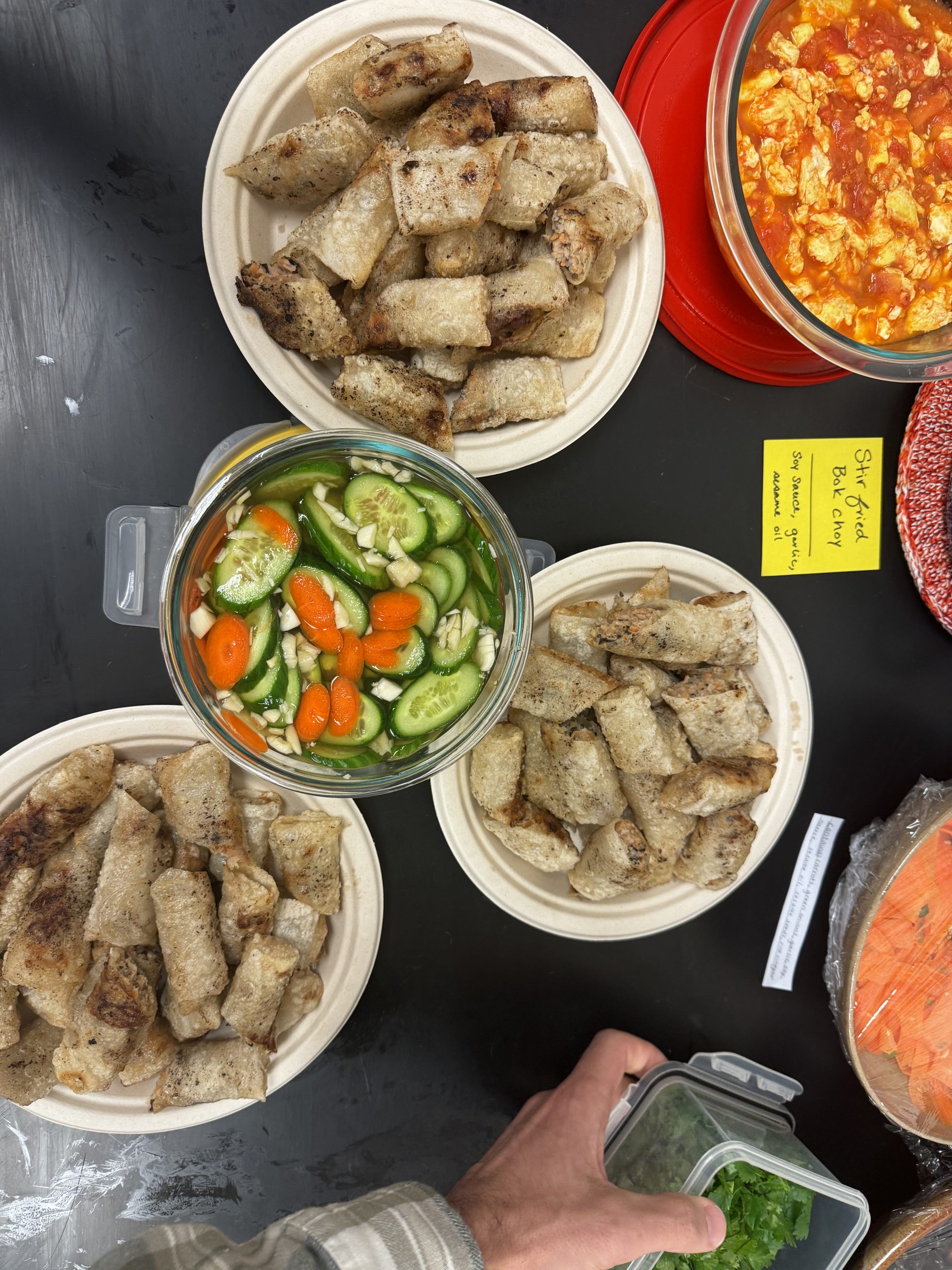
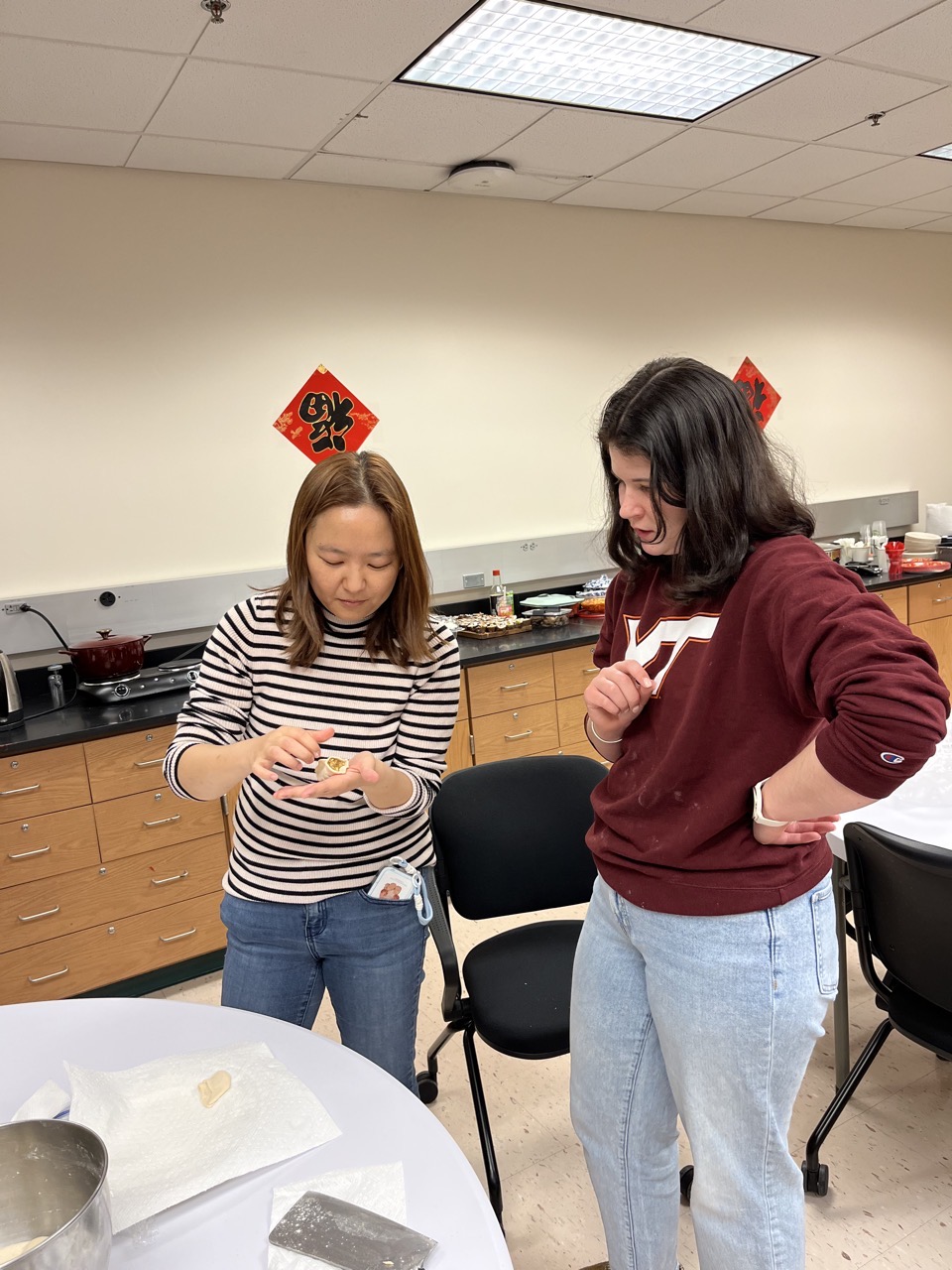
Yanyu Wang recently received a postdoctoral fellowship at Georgetown University. Members of the AL community recently celebrated with her at El Maya. Congratulations and best wishes, Yanyu!
C&O Canal Clean-Up
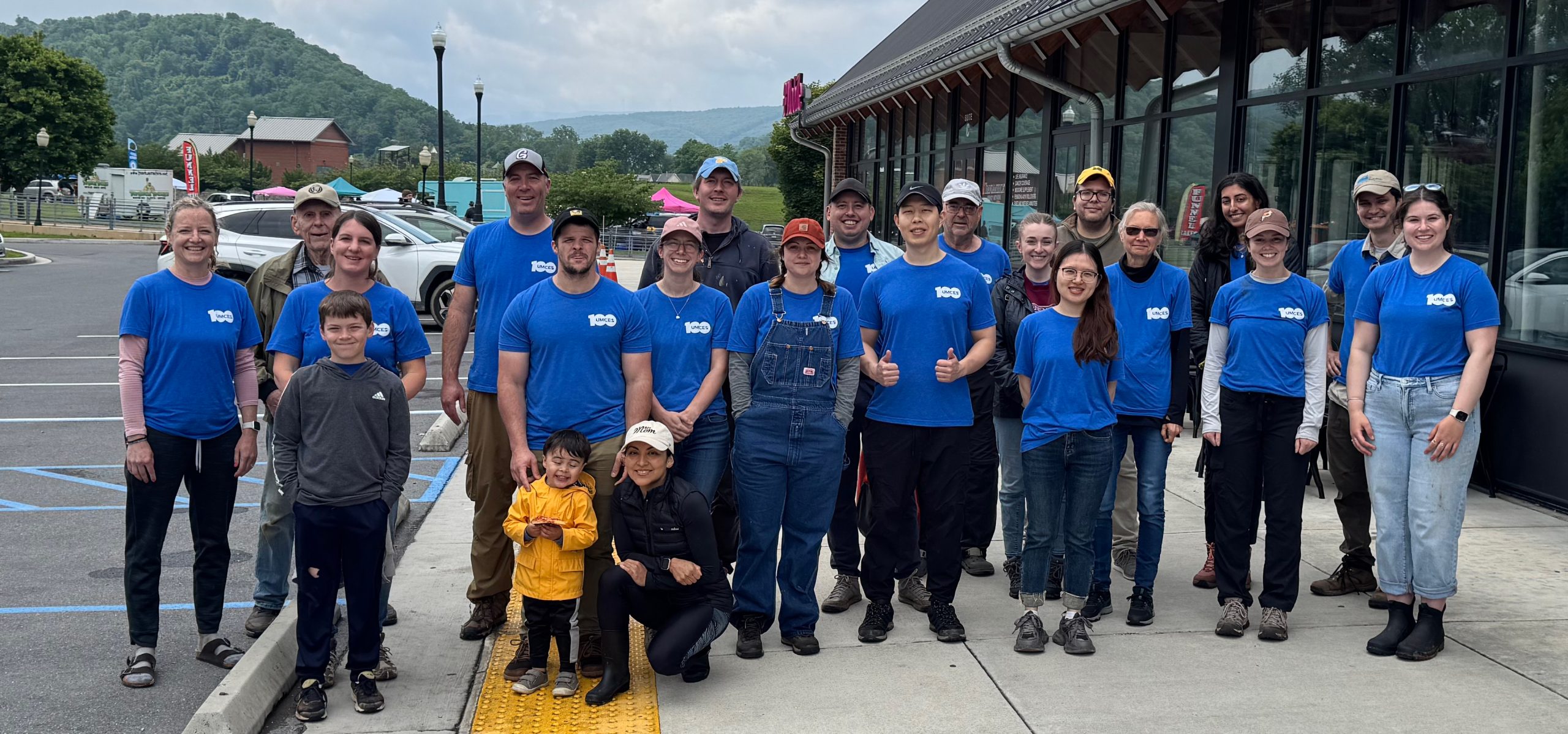
As many of you will recall, last spring about 25 of us from the Lab participated in a trash cleanup event along the C&O Canal National Historical Park in which we removed >100 pounds of trash from several locations along the canal towpath. Everyone who participated (attached are some photos) had fun and said that they would like to do it again! Well, that time has arrived! The Park has asked us to again work at sites near Cumberland on their upcoming Park-wide clean up day: Saturday, April 11. If you’d like to participate, please sign up here. Family members and friends are welcome.
Please let Rhonda or Dave know if you have any questions. Here’s a photo from last year’s event:


We have institutional responsibilities, it improves our science, and it fosters a better community.
 Activities focused on outreach and education within and beyond the AL community.

Efforts to support a diverse community in academia.
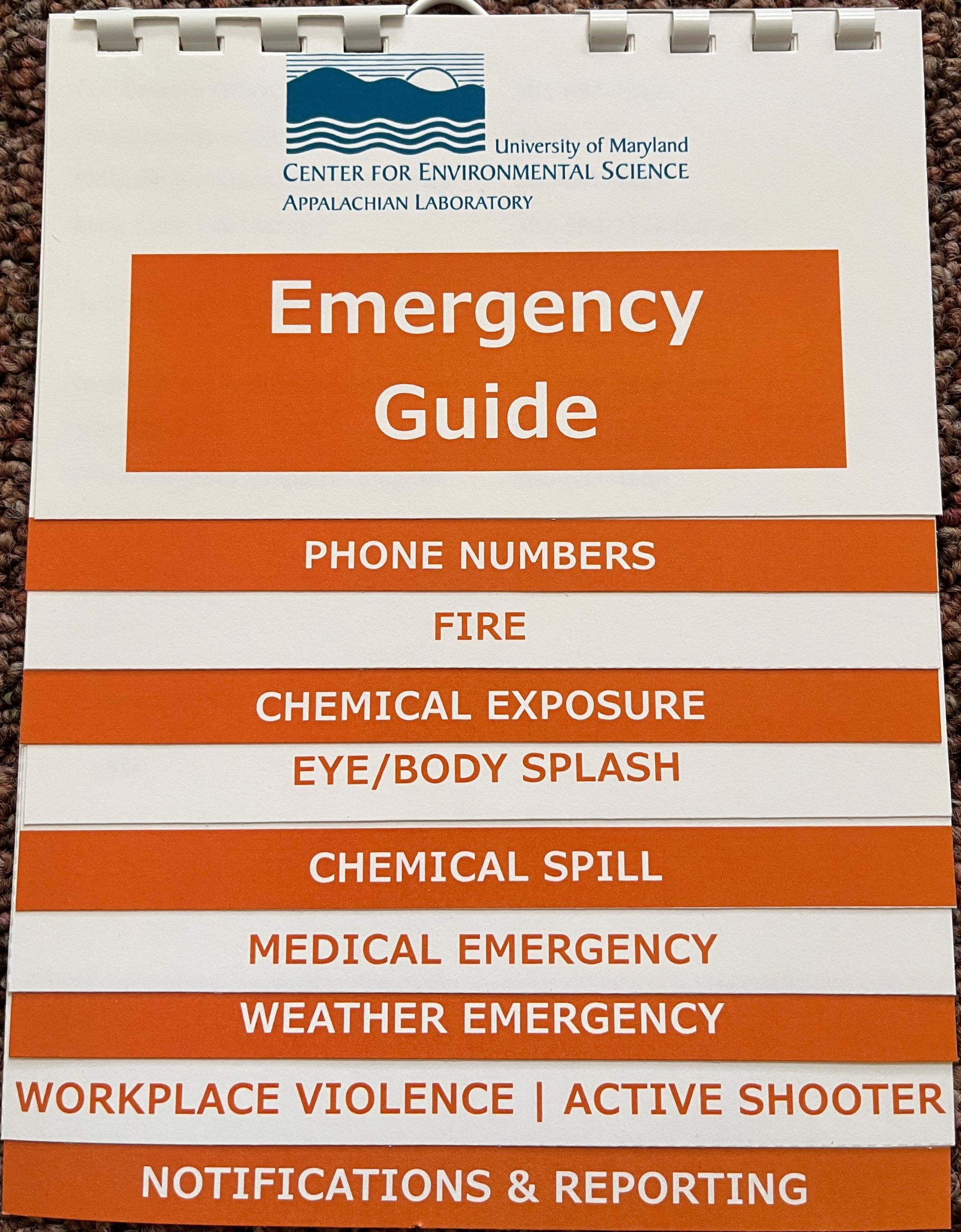 This month, we’d like to tell you about the updated Emergency Response Flip cards. We recently updated them and posted the new versions in labs and in common areas. We have changed the color scheme to orange to make them easily recognizable.
These are quick references just in case you forget what to do for the most likely potential emergencies we could encounter here at AL. If you’d like a copy for your office, desk, or work area, we have placed a box of copies by the mailboxes on the second floor for anyone to grab. If could place your older, blue copy in that same box so that we can re-use the binding and hanging hardware, it would be appreciated.
Please disregard any of the older versions of this reference guide.
Here’s a quick summary of the changes:


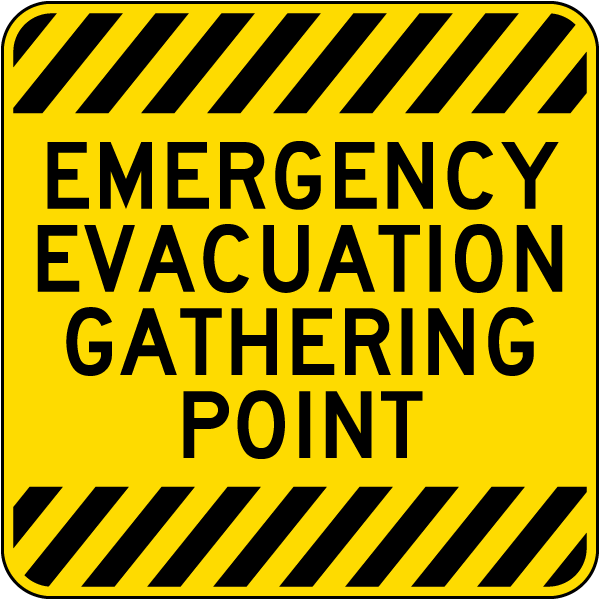 Following recommendations from the Safe Campuses visit last fall, we have changed our rally point for emergency evacuations, like fires. The previous location (flagpole) was a little too close to the building. During any evacuation emergency, everyone should now proceed to the middle parking lot at the front of the building out by where the trailers are currently parked. We will be installing a sign to mark this location (photo at right). This will be safer for everyone because it’s further away from the building and gets us away from egress to the building by emergency responders.
Please note that all of our emergency egress maps incorrectly reference the old flagpole. We will be updating those soon.

New digital accessibility regulations taking effect at the end of April will affect how we create and share digital content across UMCES – both internally and externally. In an institution centered on research and education, accessibility is essential to ensuring that our materials, including documents, websites, presentations, online resources, and even emails, can be used by all members of our community and to external audiences. In January, we covered how you can use built-in heading styles to make your content more accessible to screen readers. Another key element of digital accessibility is the effective use of contrast and color. By improving contrast and color, we can make our content more usable for all individuals. Here are some practical tips on enhancing contrast and color in your digital work, along with recommended tools to help you assess and implement these changes:
Contrast Tips
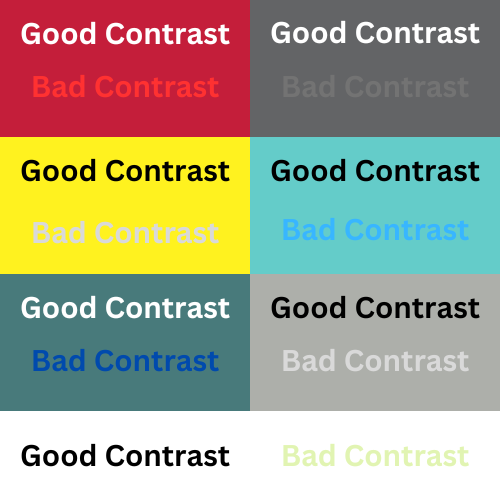
Contrast is vital for readability and comprehension. A strong contrast between text and background colors makes it easier for users to read and engage with content. Your goal should be a contrast ratio of at least 4.5:1 for standard text and 3:1 for large text. Tools such as the WebAIM Contrast Checker and Contrast Ratio are excellent resources for measuring contrast ratios. You can enter in your background and foreground colors, and the tools will calculate your contrast ratio in the context of web accessibility guidelines. To simplify, try to use dark text on a light background or vice versa, as this combination tends to be more readable. Here are some examples of good and bad contrast:
Color Tips
Color plays a significant role in conveying information, but it shouldn’t be the only means of doing so. When using color to highlight key information or to differentiate between elements, ensure that all users can access the information regardless of their color perception. Avoid using color combinations that are problematic for colorblind users, such as red and green. Instead, employ patterns, textures, or labels alongside colors to enhance understanding. Tools like the Color Oracle Color Blindness Simulator can help simulate how your content appears to those with different types of color blindness, allowing you to make necessary adjustments.
When it comes to making graphs more accessible to colorblind users, consider these practical tips:
- Use Colorblind-Friendly Palettes: Opt for colors that are easily distinguishable for colorblind individuals, such as blue, orange, and yellow. Resources like the Color Universal Design (CUD) palette provide excellent options.
- Incorporate Patterns and Textures: Use different patterns, shapes, or textures for different data points in your graphs. This helps convey information even if colors are indistinguishable to some users.
- Label Clearly: Ensure that all lines, bars, and sections are clearly labeled with text or numbers. This allows users to understand the data without relying solely on color.
- Test and Adapt: Use tools like Coblis (Color Blindness Simulator) to test your graphs’ accessibility. This will help you see how color choices affect readability for various types of color vision deficiencies.
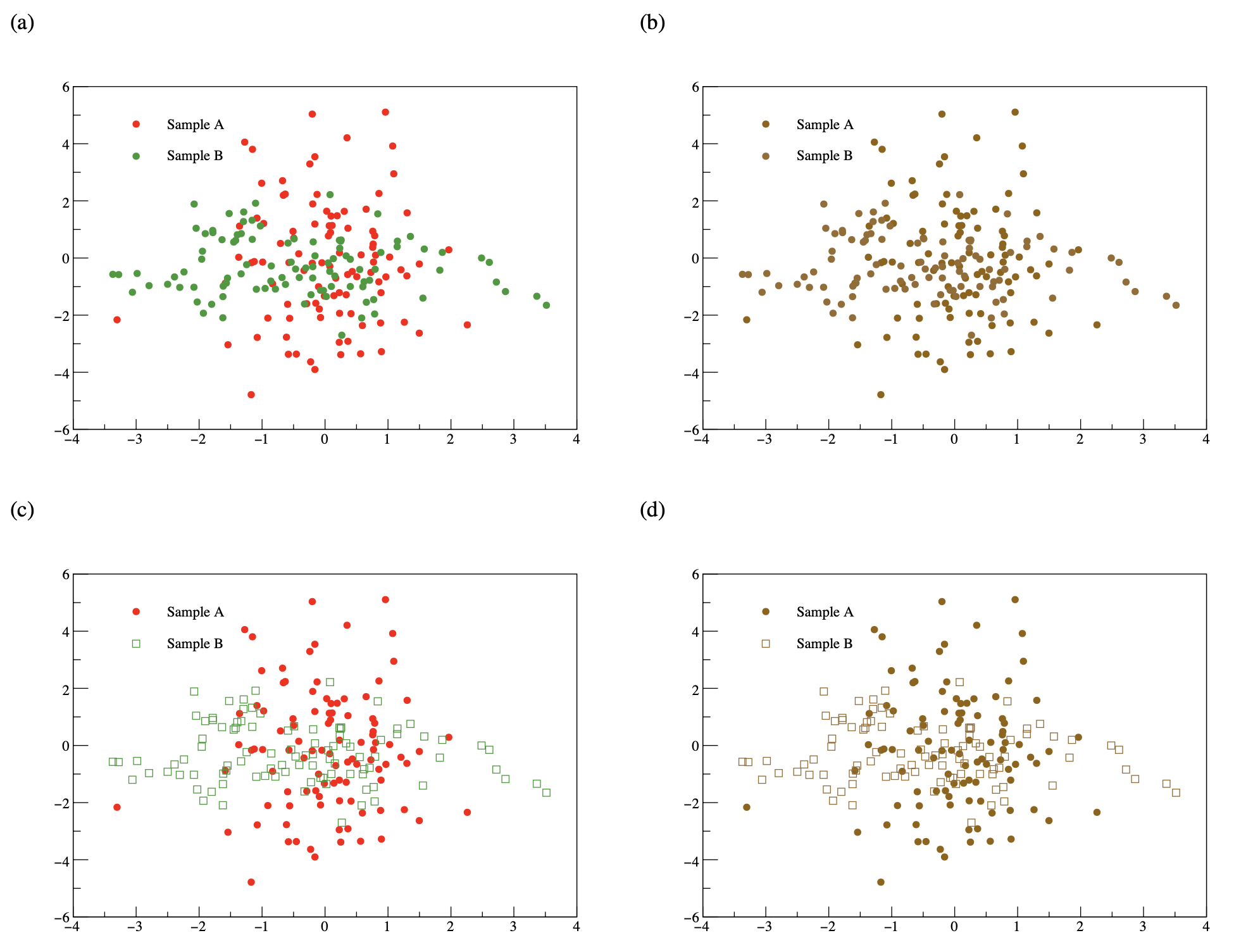
To help illustrate this concept further, examine the four scatter plots below. Figures (a) and (c) have been created in red and green and figures (b) and (d) show how those figures would look to someone with red-green confusion. Figure (a) employs red circles to display Sample A and green circles to display Sample B, while Figure (c) uses closed, red circles to display Sample A and open, green squares to display Sample B. Employing both open/closed symbols and different shapes allows all users to be able to distinguish between Samples A and B, making your figure more accessible to everyone: